

Ghost Filter Prank AI: Who Is Behind You?
Your selfie has an extra guest. A pale face edges into view over your shoulder, turning a familiar room into a scene your friends will want to replay. Start with one portrait and make the background the surprise.
- One portrait, a familiar room, and something lurking behind you.
Make a Ghost Prank Video from One Photo
Find a Photo with Background Space
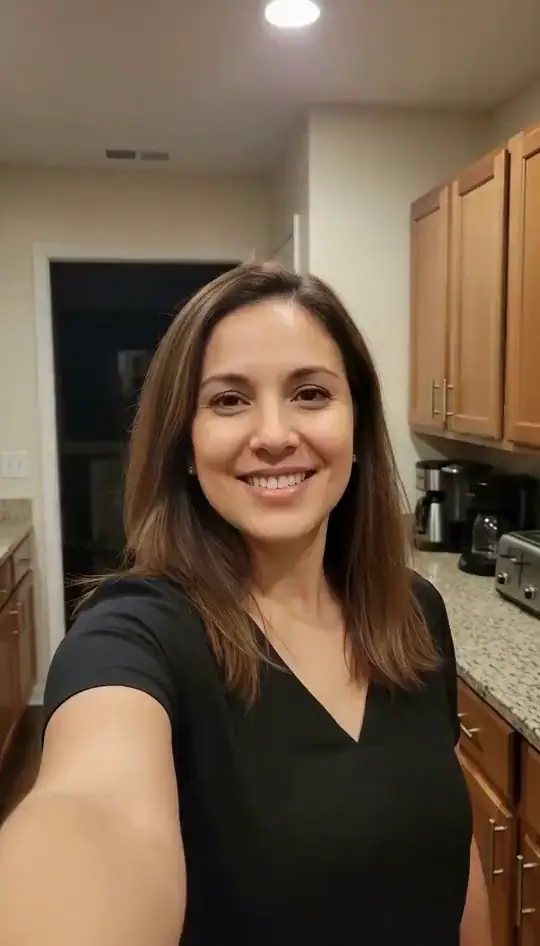
Choose a portrait with one clear face and room around the shoulders. A kitchen, hallway, or sofa gives the ghost an everyday setting to interrupt.
Create the Ghost Reveal
Upload your portrait and select Create Ghost Prank Video. The photo becomes a short scene with a ghost emerging behind the person. The effect is preset, so there is no prompt to write.
Replay It, Then Send the Surprise
Watch the finished clip before saving it. Send it to a friend who enjoys spooky jokes and let them discover the visitor. Ask permission before posting any reaction you record.
Spot the Ghost Behind the Selfie
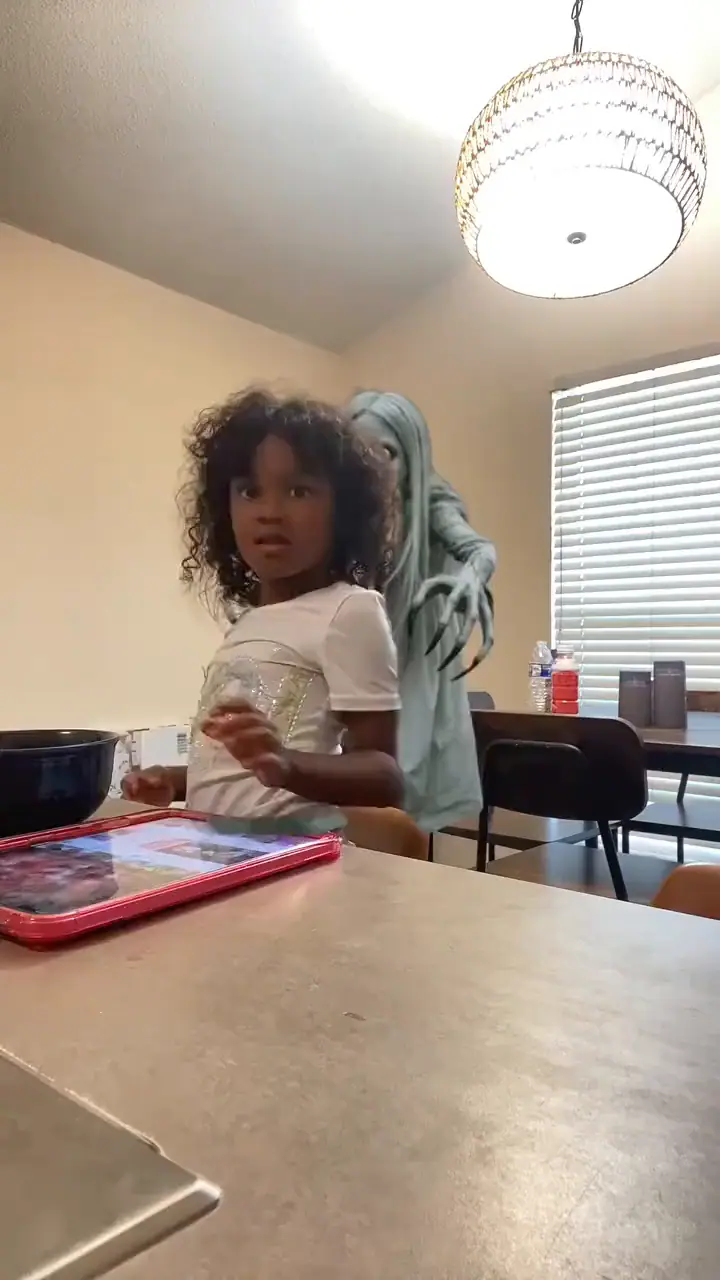
Look beyond the face: a figure at the doorway, a visitor by the counter, a pale shape over a shoulder. These third-party reference clips show different ways a ghost can enter the frame.
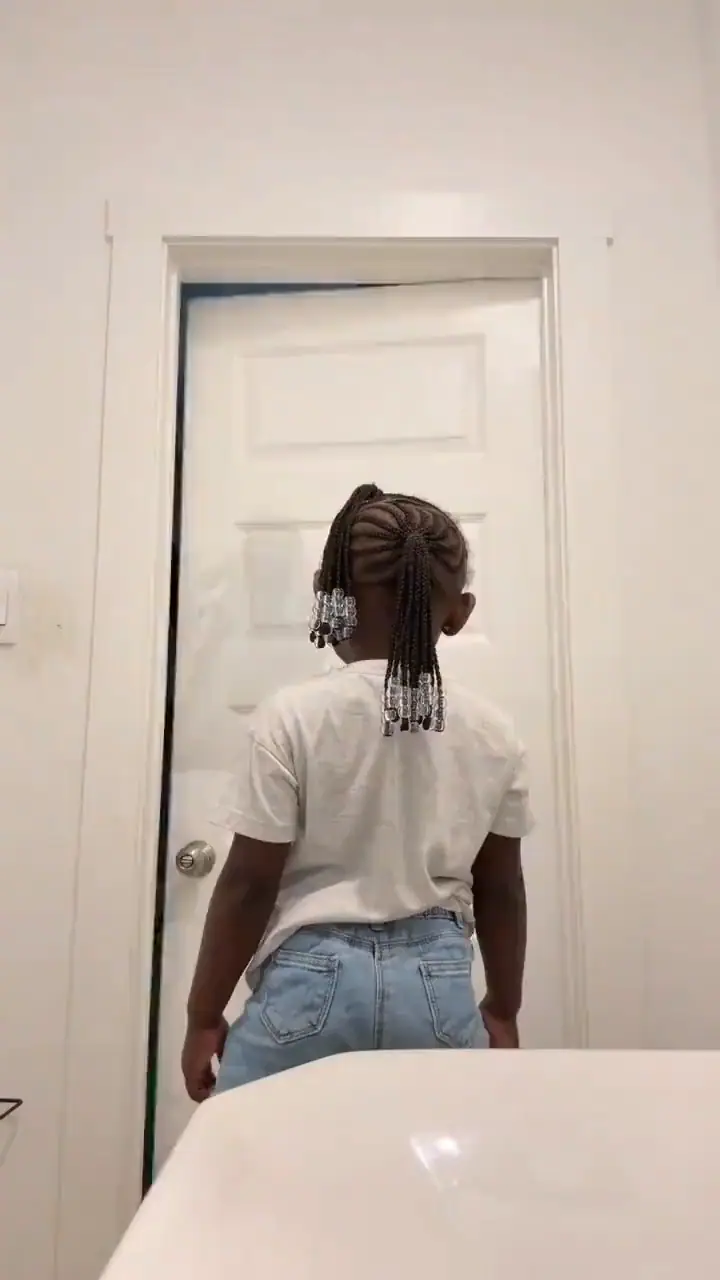
From Everyday Portrait to Ghost Photobomb
The Room Looks Familiar Until It Does Not
A recognisable kitchen or living room gives viewers a reason to relax. The ghost changes one detail in that ordinary scene, drawing their attention away from the face and into the background.
Give Viewers Something to Discover
Let the clip play before explaining the edit. A short message such as “Check behind me” invites your friend to find the ghost and replay its entrance.
Make the Clip Before You Meet
Use an existing portrait to prepare your surprise. You can send the video across the group chat or show it on your phone when you next see your friend.
Choose the Moment to Share
Preview the reveal, decide who would enjoy it, and save the clip for the right moment. You control when the surprise leaves your screen.
Choose a Selfie with Room for a Ghost
- Show the Face and Shoulders
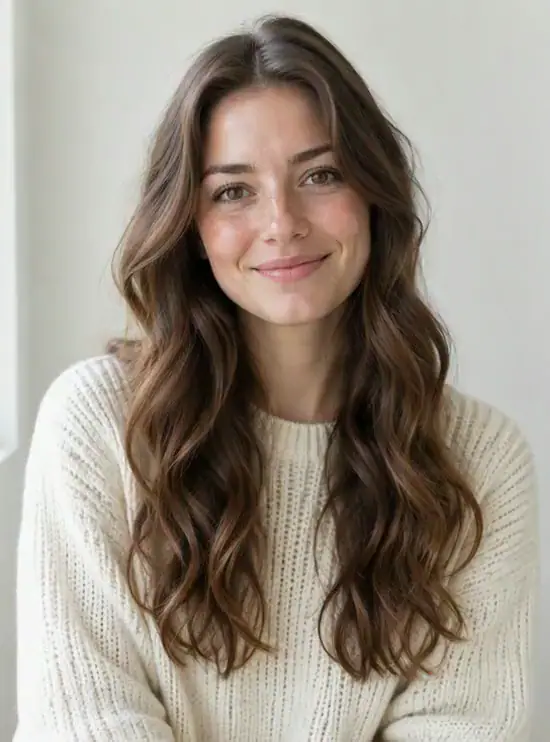
- Pick a photo taken a little farther back than a tight face close-up. The ghost needs some visible space over or beside a shoulder to make its entrance.
- Keep the Background Ordinary
- A kitchen, sofa, hallway, or ordinary room sets up the joke. A clear, reasonably lit background gives viewers something familiar to look at before the surprise.
- Let One Person Be the Star
- A photo with one clearly visible person keeps the focus on the face and the space behind it. Start with the original everyday photo—the ghost is the twist you're creating.
- Start with a Clear Original Photo
- Use the original photo instead of a screenshot of a screenshot. Choose visible facial details without heavy filters, stickers, or text covering the face, so your familiar expression remains the starting point.
Ghost Prank Ideas for Friends and Halloween
Match the reveal to a joke you already share: a haunted hallway, a movie night, or the friend who never gets scared. Choose someone who will enjoy being part of it.
Challenge the Horror Fan
Use a relaxed portrait of the friend who watches every horror release. Send the clip after movie night and ask them to rate the unexpected cameo.
Test Their Brave FaceReturn a Sibling’s Running Joke
For the sibling who always jumps out from behind a door, put the surprise inside a video instead. Pick a photo they are happy for you to use and enjoy the reveal together.
Get Playful PaybackPost Your Own Ghost Photobomb
Make yourself the star of the prank. Start with your usual selfie and let the background visitor become the detail your friends spot in the comments.
Haunt My SelfieSend a Halloween Video Surprise
Bring a familiar face into your Halloween group chat. A ghost entering an ordinary room gives the conversation a spooky clip to watch together.
Spook the Group ChatAdd a Cameo After Movie Night
Follow the final credits with a clip starring someone from your own sofa. A portrait from the evening gives your viewing partner a personal extra scene.
Create a Bonus SceneIntroduce the Hallway’s New Resident
Turn the creaky hallway everyone jokes about into the setting for a ghost cameo. Use a portrait taken at home and share the result with your roommate.
Meet the New RoommateWhy a Background Ghost Makes You Look Twice
A ghost photobomb starts with a scene that feels uneventful. The person is still the focus, but a second face gradually enters the space behind them. The viewer notices the change and starts watching the background as closely as the portrait.
Framing gives this prank its setup. An open doorway, a stretch of wall, or space above a shoulder creates somewhere for the visitor to appear. A clear original photo keeps the scene easy to read before the ghost draws the eye.
The reveal happens inside the video; your friend’s response happens when they watch it. Share the finished clip with someone who enjoys a scare, let them spot the ghost, and explain the AI edit afterward. If you film their reaction, ask before posting it.
Ghost Filter Prank AI FAQ
Ghost Filter Prank AI turns a portrait into a short video with a ghost appearing in the background. The joke is the extra figure entering an otherwise familiar scene, while the person in your photo stays the focus.
Start with one clear portrait showing the face, shoulders, and some background. Upload it and select Create Ghost Prank Video. You do not need to record a new clip or write a prompt.
This page uses an uploaded photo rather than a live camera recording. You create the ghost scene first, then save and share the finished video. TikTok and Snapchat are places you can share or create other kinds of filter clips.
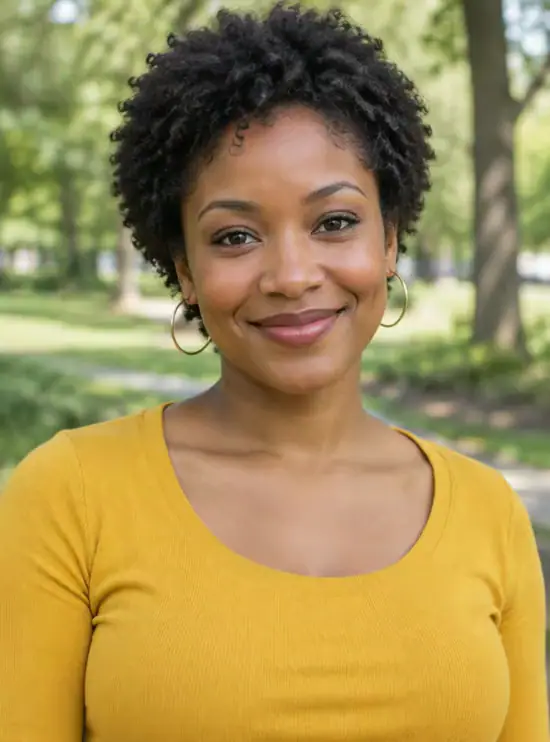
Use a selfie with some space around your head and shoulders. The effect introduces a ghost into that background space; the person in the foreground is the subject of the prank.
Choose a photo you have permission to use. A partner or friend who enjoys horror jokes makes a good audience, especially when the room in the photo is familiar to both of you.
The video animates the photo into a ghost scene. It does not capture how the person actually reacts to seeing it. For that, show them the finished clip and ask before recording or posting their response.
Save the finished clip and upload it as a post on your preferred platform. Let viewers know it is an AI ghost effect, and get permission from anyone whose photo or reaction you share.
Your Next Selfie Has an Unexpected Guest
Choose a portrait, leave some room over the shoulder, and create a ghost reveal for someone who enjoys a spooky surprise.